
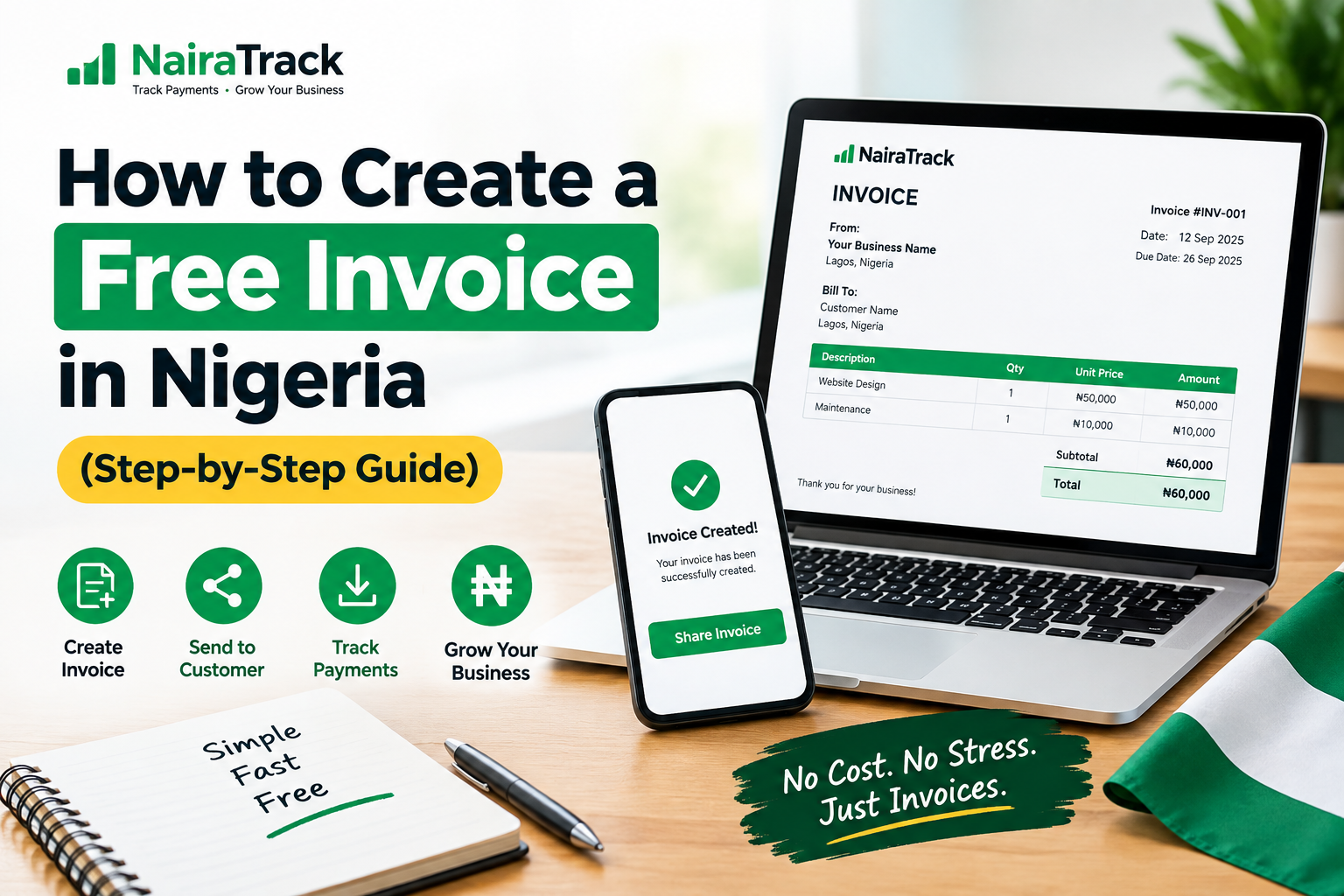
Want to bill your client/customer for the service/product supplied or rendered, Follow these steps to bill a customer properly, with your bank details and a due date, and send it on WhatsApp.
1
Open the invoice generator
Go to paperlessnaija.com and tap Create an invoice.
2
Enter your business details
Type your business name, address and phone number. Your phone remembers them, so you only do this once.
3
Add your logo Optional
Tap Business logo and pick the image from your phone. If your logo already shows your business name, tick Hide business name.
4
Add the customer and due date
The invoice number and today’s date fill in by themselves. Set the Payment due date, then type the customer’s name under Bill to.
Tip: the due date is set to 7 days from today. Change it if you agreed something different.
5
Add what you are billing for
Enter a short description, the quantity and the unit price. Tap Add another item for more.
6
Add your bank details
Type your bank, account name and account number. They print at the bottom of the invoice so the customer knows where to pay.
Check the account number twice. A wrong digit sends your customer’s money to someone else.
7
Enter any deposit Optional
If the customer already paid part, type it under Amount paid so far. The amount still due is worked out for you. If nothing has been paid, leave it at zero.
VAT: leave the VAT box unticked unless your business is VAT registered. Most small businesses are not.
8
Create and download
Check the preview, tap Create invoice, then Download PDF. The invoice saves to your phone.
Used a logo? You will be asked for your email once before the download.
9
Send it on WhatsApp
Open the customer’s chat, tap the attach icon, choose Document, and pick the invoice.
Invoice-INV-0001.pdf
That’s it
Your customer knows what they owe, when to pay, and where to send the money.